 how-to
Preventing Stockouts in Small Retail Shops: A Practical Guide
Last Updated: November 2, 2026
Quick Summary
Preventing stockouts in small retail shops comes down to simple habits: accurate records, clear reorder points, a modest safety buffer, and reliable supply. Calculate each reorder point as average daily sales times supplier lead time, plus safety stock, and order before the shelf runs bare.
- A reorder point equals average daily sales multiplied by supplier lead time, plus safety stock.
- In the worked example, 20 units sold daily over a 5-day lead time plus 40 buffer units gives a reorder point of 140 units.
- Calculate reorder points for your top 20 to 30 lines first, since they usually drive most turnover.
- Physically count five to ten fast-selling products weekly and compare the count to your spreadsheet.
- Raise reorder points two to three weeks before known busy periods and keep a backup supplier for your top five products.
Table of Contents
- Why Stockouts Cost Small Shops More Than They Realise
- The Everyday Causes of Stockouts in Small Retail Shops
- How to Calculate Reorder Points Without Complicated Software
- Setting Safety Stock for Small Businesses With Limited Cash
- Building a Simple Inventory Management Spreadsheet Template
- Stock Replenishment Strategies That Match Your Shelf Space
- Planning for Seasonality, Promotions and Supply Disruptions
- Placing a Bulk Order That Keeps Your Shelves Full
- Frequently Asked Questions
Why Stockouts Cost Small Shops More Than They Realise
A stockout is a moment when a customer reaches for a product and finds an empty space instead.
The damage goes further than one missed sale. A shopper who finds an item missing may buy it elsewhere and keep buying it there.
Watch out: the real cost of an empty shelf is rarely the single item.
If you want to cut the cost of restocking without creating new gaps, these ways to cut business restocking costs without stockouts are a good next read.
The Everyday Causes of Stockouts in Small Retail Shops
Most stockouts start with small habits, not big disasters. The usual culprits are late suppliers, guesswork ordering, and records that no longer match the shelf.
Common patterns include:
- Ordering from memory instead of sales records
- One supplier for a fast-selling line, with no backup
- Stock records that are days or weeks out of date
- Cash spent on slow movers, leaving none for bestsellers
- No reorder point, so ordering starts only when the shelf is bare
- Delivery delays that nobody plans around
A common mistake is blaming demand for every gap. In practice, supplier reliability and poor records cause more empty shelves than sudden demand.
When suppliers are the problem, a clear method helps. Our guide on how to choose a wholesale supplier that fits your business walks through the steps. For a local vetting checklist, see choosing reliable FMCG suppliers in Ghana.
How to Calculate Reorder Points Without Complicated Software
A reorder point is the stock level that tells you to place a new order. You can calculate it with simple arithmetic and a notebook, then apply it across your product range without buying software or hiring an inventory team.
The formula is straightforward:
Reorder point = (average daily sales × supplier lead time in days) + safety stock
Follow these steps for each product you want to protect:
- Pick one fast-selling product.
- Count how many units you sell on a normal day. Use a week of sales records, not a single day.
- Note how many days your supplier takes to deliver, counting from the day you place the order to the day stock is on your shelf.
- Decide a small buffer for busy days and late deliveries.
- Multiply daily sales by lead time, then add the buffer.
Review your figures monthly. Sales trends shift, and a reorder level that worked in a slow month will fail in a busy one.
A Worked Reorder Point Example for a Small Shop
Say a shop sells an average of 20 units of a product each day. The supplier takes 5 days to deliver. The owner wants a buffer of 40 units for busy days.
- Daily sales: 20 units
- Lead time: 5 days
- Lead-time demand: 20 × 5 = 100 units
- Safety stock: 40 units
- Reorder point: 100 + 40 = 140 units
So when stock falls to 140 units, it is time to order. Waiting until 100 units leaves no room for a late delivery.
Applying Reorder Points Across a Whole Shop
Most small shops cannot calculate a reorder point for every item. A practical approach is to rank products by how much of your sales they represent, then calculate reorder points for the top 20 to 30 lines first.
Use a simple spreadsheet with these columns:
- Product name
- Average daily sales (from the last four weeks)
- Supplier lead time in days
- Safety stock
- Reorder point
- Current stock
- Order quantity
Update the current stock column at the end of each day or week. Anything at or below the reorder point goes on the order list.
When to Adjust Your Reorder Point
Reorder points are not fixed. Raise them when:
- A supplier's lead time has grown longer
- You are entering a busy season or a promotion period
- A product has started selling faster than usual
Lower them when sales slow or when you need to free up cash. The goal is to keep the reorder point close to what you actually need, not to set it once and forget it.
A common mistake is setting a reorder point and then ordering only when the shelf is empty.
The worked example below shows how the reorder point formula applies to a single fast-selling product.
| Item | Value | Note |
|---|---|---|
| Daily sales | 20 units | Average units sold each day |
| Lead time | 5 days | From order placement to shelf |
| Lead-time demand | 100 units | Daily sales × lead time |
| Safety stock | 40 units | Buffer for busy days |
| Reorder point | 140 units | Order when stock falls to this level |
Setting Safety Stock for Small Businesses With Limited Cash
Safety stock for small businesses is the extra inventory kept to absorb surprises. It covers late deliveries, sudden demand, and counting errors.
A simple approach works well:
- Set a buffer for your fastest movers only
- Base it on how late your supplier usually runs
- Keep more buffer on items you cannot afford to lose
- Keep less on slow movers and seasonal lines
Watch out: too much safety stock becomes overstock. Cash tied up in slow goods is cash you cannot spend on bestsellers.
Start small. A modest buffer on your top ten products protects most of your sales without freezing your working capital.
Building a Simple Inventory Management Spreadsheet Template
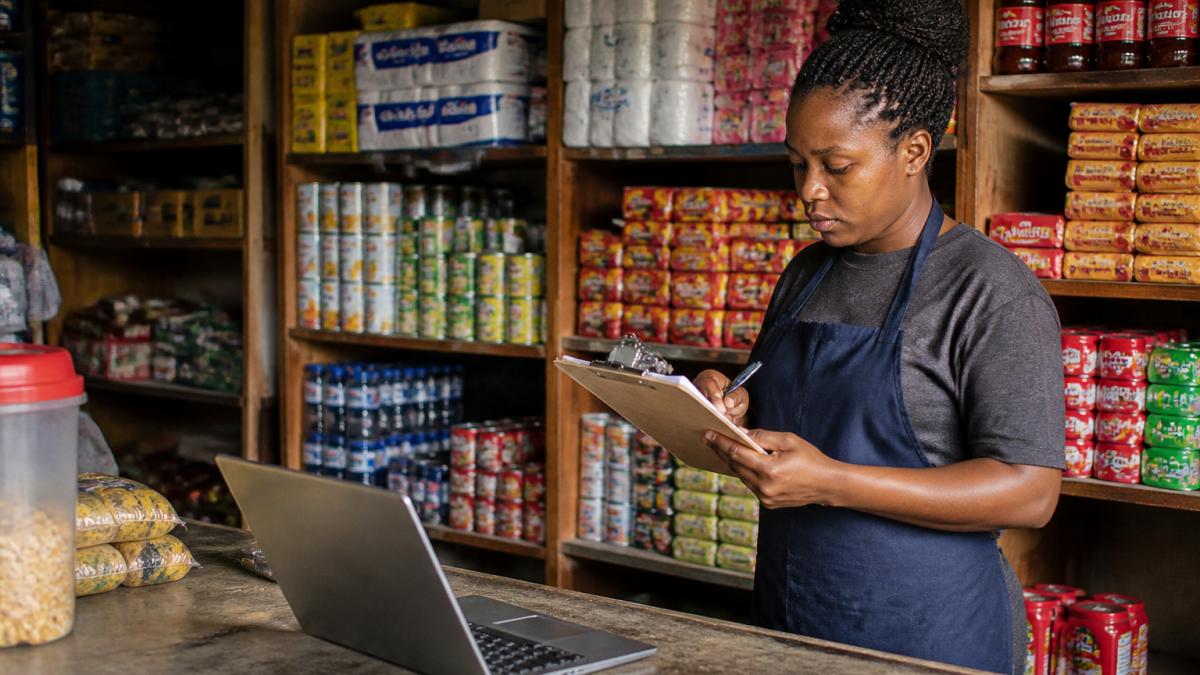
An inventory management spreadsheet template is a basic sheet that tracks what you have, what you sell, and what to order.
Set up these columns:
- Product name and unit size
- Opening stock
- Stock received
- Stock sold
- Closing stock
- Reorder point
- Supplier and lead time
Update it at the end of each day or week. Then compare closing stock against the reorder point. Anything at or below the line goes on the order list.
Why Recorded Stock and Shelf Stock Diverge
A spreadsheet can show stock on hand while the shelf is empty. This happens for predictable reasons:
- Misplaced goods: stock is in the back room, on a top shelf, or behind other products.
- Receiving errors: a delivery is recorded but fewer units arrived, or the wrong item was delivered.
- Shrinkage: theft, damage, expiry, or staff error reduces stock without a sales record.
- Unrecorded sales: a sale is made but not entered, so the sheet overstates stock.
- Returns and transfers: stock moved between shelves or returned to a supplier is not adjusted.
The result is apparent availability: the records say you have the item, but the customer cannot find it. Preventing stockouts means closing this gap, not just keeping a tidier sheet.
A Simple Shelf-Check Routine
Once a week, pick five to ten fast-selling products and physically count them. Compare the count to the spreadsheet. If the numbers differ, adjust the sheet and note the reason. This takes less than an hour and catches most record errors before they cause a stockout.
Use a simple count sheet with three columns: product, recorded stock, actual stock. Any difference is a signal to check receiving, sales entry, or storage.
Organising Stock So Records Match the Shelf
Keep one location per product where possible. If you store stock in more than one place, record both locations in the spreadsheet. Label shelves and back-room storage with the same product names used in the sheet.
A common mistake is updating the sheet only when stock arrives. Daily or weekly updates, plus a weekly physical count on key lines, keep your stock records close to what is actually on the shelf.
Stock Replenishment Strategies That Match Your Shelf Space
Good stock replenishment strategies fit the space you actually have. A crowded shelf hides products, and hidden products do not sell.
Try these approaches:
- Keep bestsellers at eye level and fully stocked
- Order little and often for fast movers
- Order in larger batches for steady, slow-selling lines
- Group products that sell together on the same shelf
- Clear old stock before new deliveries arrive
Small, frequent orders suit shops with tight storage. Bulk orders suit steady lines where storage allows. Match the method to the product, not to habit.
Planning for Seasonality, Promotions and Supply Disruptions
Demand is not flat. Festive periods, school terms, and local events push some products up sharply. Plan for them before the rush, not during it.
Build a simple calendar:
- Mark known busy periods for your area
- Raise reorder points two to three weeks before each one
- Order promotional stock early, and confirm delivery dates
- Keep a backup supplier for your top five products
- Hold a little extra buffer on lines that spike
Supplier contingency planning matters most here. One reliable backup supplier can keep your shelves full when your main source runs late.
Placing a Bulk Order That Keeps Your Shelves Full
A bulk order works best when it follows your reorder points, not a guess.
Before you order:
- Check closing stock against reorder points
- Confirm lead times with your supplier
- Split the order so no single delivery carries all your risk
- Confirm delivery dates in writing
Bundle Buy Ghana supplies wholesale and retail FMCG goods with flexible pricing and nationwide delivery. You can place a bulk order directly, and check delivery information to plan replenishment timing.
Preventing stockouts in small retail shops comes down to simple habits: accurate records, clear reorder points, a modest safety buffer, and reliable supply.
Frequently Asked Questions
What causes stockouts in small retail shops?
Stockouts usually come from four things: inaccurate stock records, no reorder point set for fast-moving items, supplier lead times that are longer than expected, and cash limits that force small, irregular orders. Many shop owners also rely on memory rather than written records, so gaps only become visible when a customer asks for a product and it is not on the shelf. Fixing the record-keeping first makes every other prevention step easier.
How much safety stock should a small shop keep?
A practical starting point is safety stock equal to your average daily sales multiplied by the number of days your supplier typically takes to deliver, plus a small buffer for delays. For a shop selling 10 units a day with a five-day lead time, that is 50 units as a base. Safety stock for small businesses should stay lean because cash tied up in slow-moving buffer inventory is cash you cannot spend on products that actually sell.
How often should a small retailer check inventory?
Count your fastest-moving lines daily or every second day, and run a full stock count at least once a month. Daily checks on the top 20% of products catch most gaps before a customer notices. Compare the physical count against your stock records and note any difference; repeated mismatches point to theft, unrecorded sales or delivery errors that need fixing at the source.
What should I do when a supplier cannot deliver on time?
Keep a short list of backup suppliers for your top-selling lines before you need them, and confirm lead times in writing when you order. If a delivery is late, record the shortfall, adjust your reorder point upward for that supplier, and move the affected products to the front of your next order. Reliable suppliers are part of preventing stockouts, so track delivery performance for each one and shift volume toward the ones that consistently arrive on time.